Domain and security
Test storefront DNS, HTTPS, and payment callbacks after a domain change
Apply the DNS target shown by ShopingX, diagnose resolution and certificate failures separately, and repeat the purchase path on the production hostname.
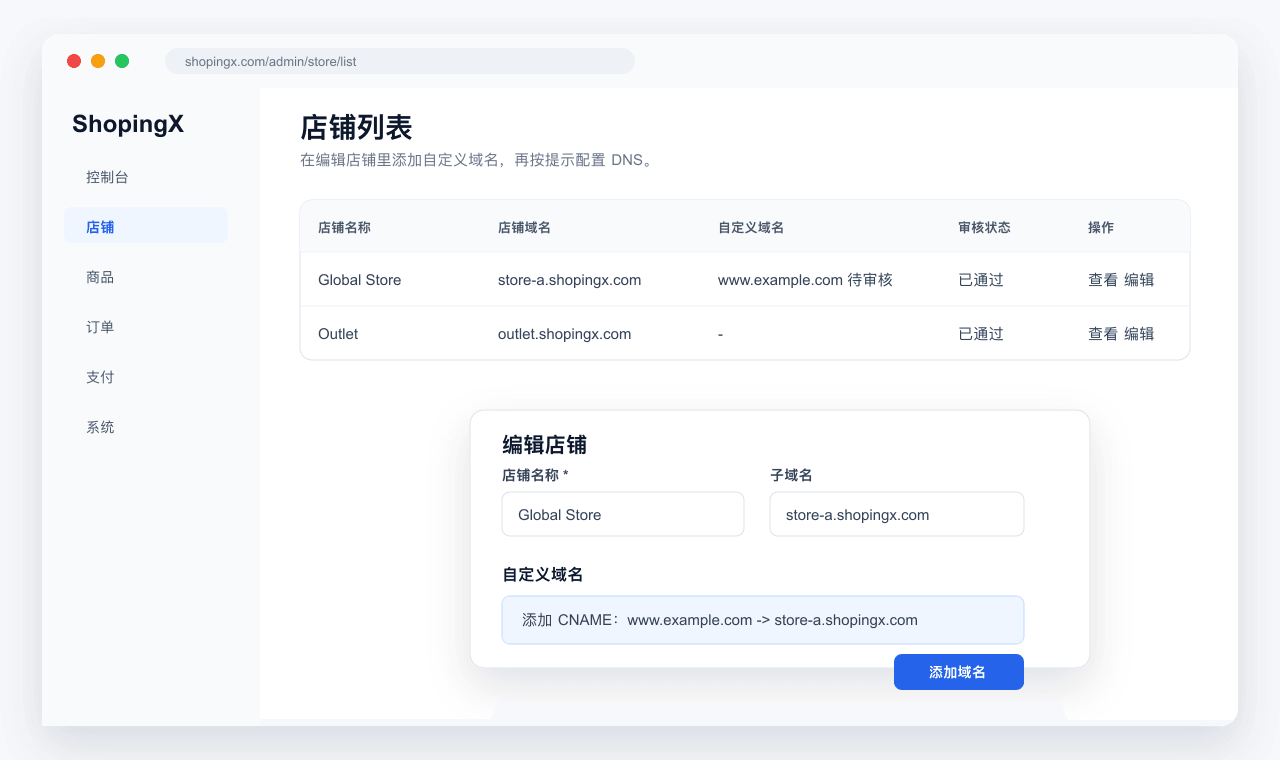
"The website does not open" hides at least three separate failures. DNS may point to the wrong target, the HTTPS certificate may not cover the requested hostname, or pages and payment callbacks may still use an old address. Test those layers separately instead of repeatedly deleting records or requesting certificates.
This guide intentionally does not publish one CNAME value for every store. Targets can vary by environment. Copy the record type, host, and target currently shown in the ShopingX merchant admin. The procedure below explains how to apply and verify them.
Choose one public hostname before changing DNS
Decide which address buyers should see, such as www.example.com. Whether the apex example.com is attached directly or redirects to www depends on the DNS provider and deployment, but public pages should settle on one preferred version.
Record these items first:
- domain registrar and authoritative DNS provider, which may be different companies;
- complete hostname that will be connected;
- any existing A, AAAA, or CNAME record with the same name;
- old website, email, or service dependencies on current records;
- record type, host label, and target displayed by ShopingX.
Do not remove unrelated MX and TXT records merely to connect the storefront. An unknown record needs investigation before deletion. It is entirely possible to repair the website and accidentally stop business email.
Enter the record shown by the merchant admin
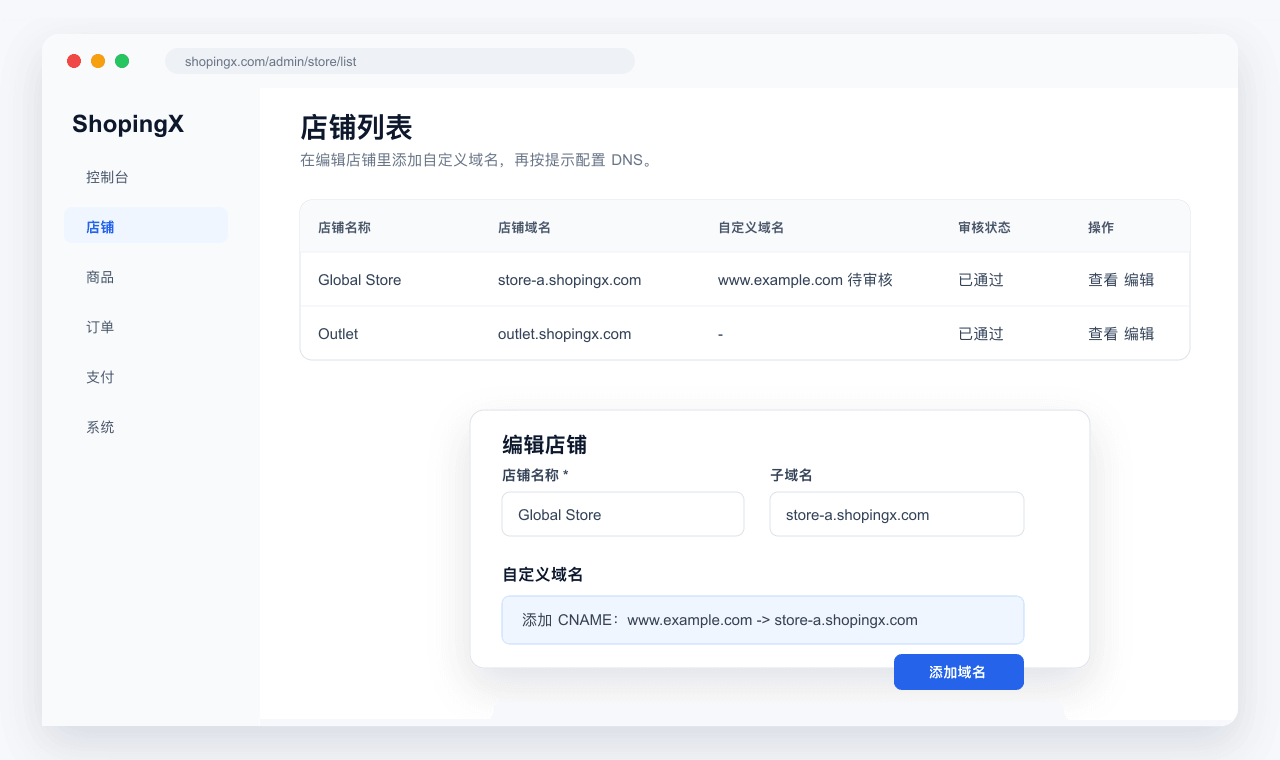
Confirm that the default storefront address opens, then submit the custom domain in store settings. Follow ShopingX DNS help and enter the record at the authoritative DNS provider. Provider interfaces label the same concepts differently:
- Type is CNAME, A, AAAA, or TXT.
- Name or Host is commonly the label such as
www; use the provider's expected format. - Target or Value is the value supplied by ShopingX. Do not add a protocol, path, or slash unless the screen explicitly requests it.
- TTL controls cache duration; it is not a promise that every resolver updates at that exact time.
A hostname cannot retain conflicting CNAME and A or AAAA answers. Cloudflare's DNS record reference explains the record types. If the DNS provider has a proxy or CDN toggle, use the current ShopingX instruction for validation. Do not assume that a setting from another hosting platform applies here.
Save the old value, new value, and change time. DNS is cached. Different networks can temporarily return different answers. Making several edits in quick succession leaves more versions to diagnose.
Test resolution, certificate, and application separately
First test DNS. Query the full hostname with dig or nslookup and compare the answer with the target required by the merchant admin. Repeat from a mobile connection or another network so that a local resolver cache is not the only evidence.
Next test TLS. A browser without a warning is only the beginning:
- The certificate covers the exact hostname being visited.
- It is within its validity period and chains to a root recognized by common browsers.
http://redirects to the intendedhttps://hostname.- Images, scripts, and API calls do not request insecure
http://resources. wwwand non-wwwdo not serve two indexable copies of the store.
Certificate issuance normally depends on control of the hostname. Requesting another certificate while DNS still points to the previous target does not fix that dependency. Use Let's Encrypt documentation for certificate concepts and ShopingX SSL help for the actual product procedure.
Only then test the application. A working homepage does not prove that products, media, cart, and checkout work. When browser developer tools show mixed content, a redirect loop, or a 404 asset, record the exact URL and response rather than capturing only the address bar.
Repeat the transaction path on the final domain
Payment providers, email, social previews, and search engines all consume the public hostname. After the switch, verify:
- homepage, categories, products, and images use the production HTTPS hostname;
- cart, sign-in, checkout, and order detail do not return to the default or staging address;
- payment success, cancellation, and failure return to the production domain;
- provider webhook or notification configuration uses the current endpoint;
- email, support replies, and campaign links no longer mention the test hostname;
- canonical links, sitemap entries, and language alternates use the preferred public host.
Complete a sandbox or low-value payment and compare the buyer result, ShopingX order, and provider transaction. The payment acceptance guide describes that three-way check. If the provider takes payment but the order remains unpaid, inspect the callback address and event log before touching DNS again.
Diagnose four common failure groups
For "domain not found," verify that the record was added to the authoritative DNS provider, the host label is correct, and the registration is active.
For "DNS resolves but the connection fails," compare the returned target with the product requirement and check whether a proxy or CDN changes the route.
For a certificate warning, inspect hostname coverage, validity, and chain, then confirm that DNS reaches the environment where the certificate was issued.
For "works for some visitors," compare resolver answers from different networks and check whether A and AAAA records lead to different environments. Preserve the query time, network, DNS answer, and browser error.
Do not attach a complete DNS control panel, certificate private key, payment secret, or screenshot containing customer information to a public support post. A domain is public; private keys and validation tokens are not.
Keep an operating record after launch
The handover should identify the registrar, DNS provider, preferred hostname, ShopingX target, certificate state, renewal method, owner, and last verification date. Put reminders around domain and certificate renewal. Repeat the same tests after changing a domain, DNS provider, CDN, or payment method.
Domain acceptance has five simultaneous results: authoritative DNS returns the intended target, HTTPS covers the public hostname, redirects select one preferred domain, the purchase path never falls back to an old address, and payment callbacks update the order. A homepage that happens to load is not enough.